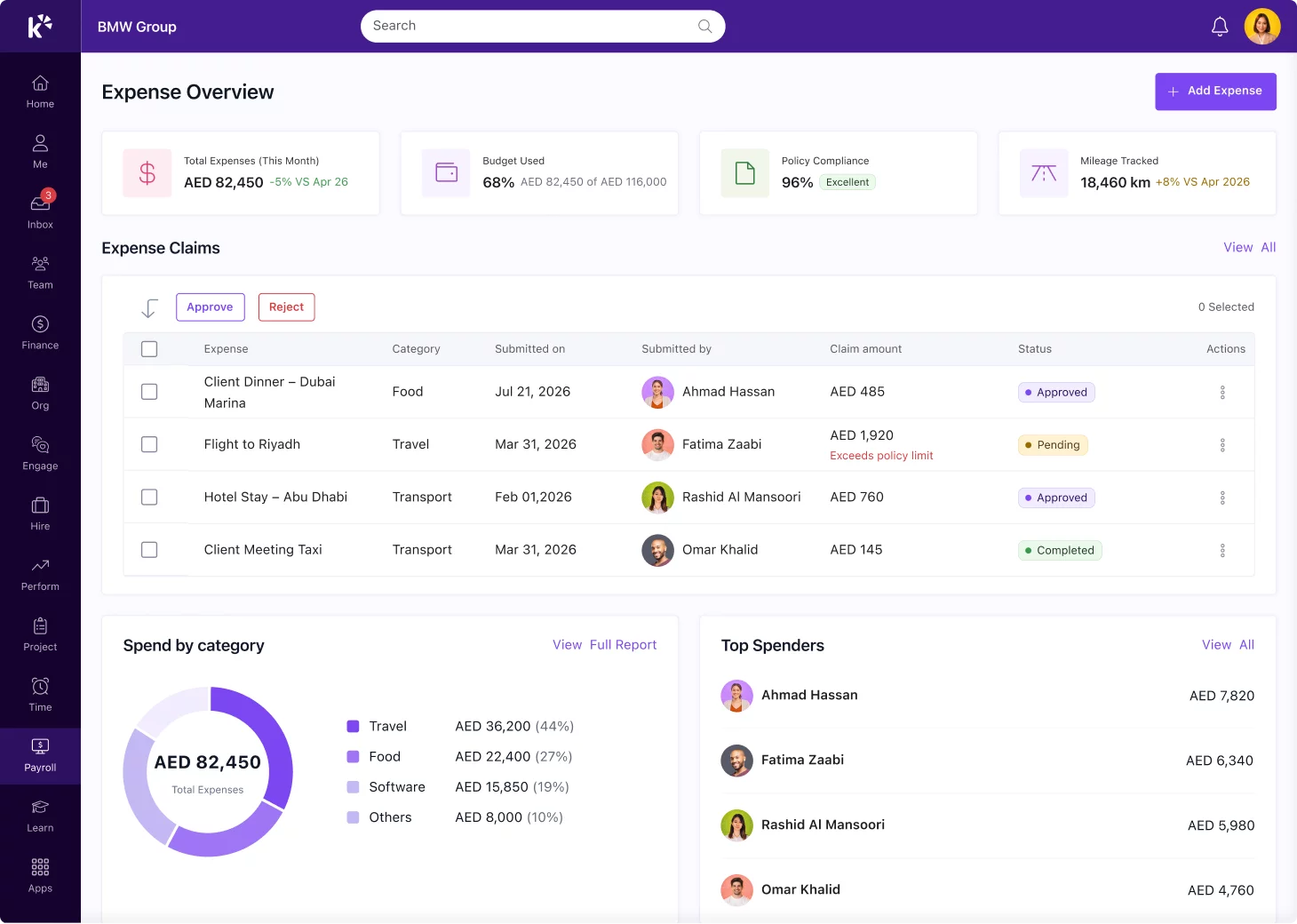
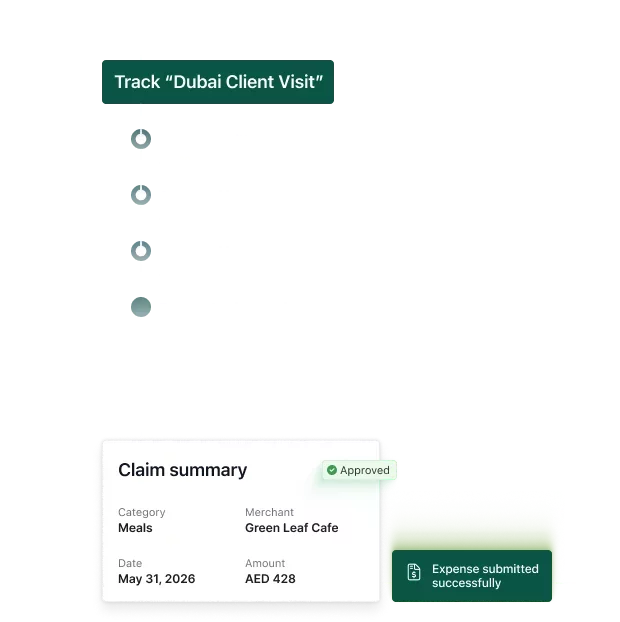
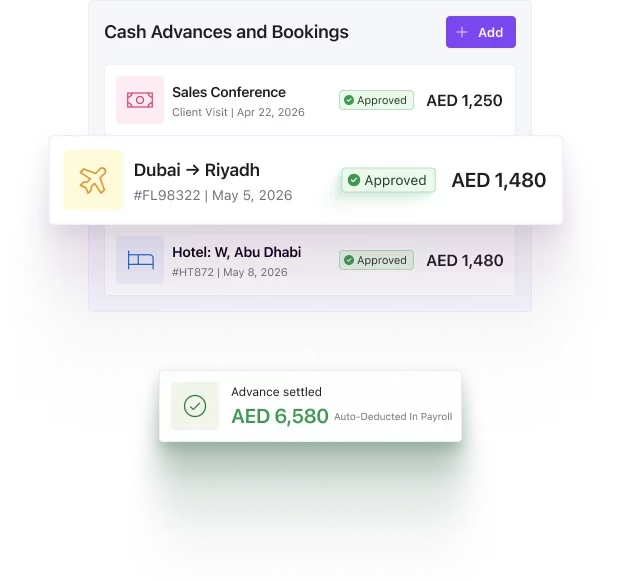
Pay employee reimbursements within payroll or off cycle. Define flexible approval policies for all scenarios and complexities and stay compliant at every scale.
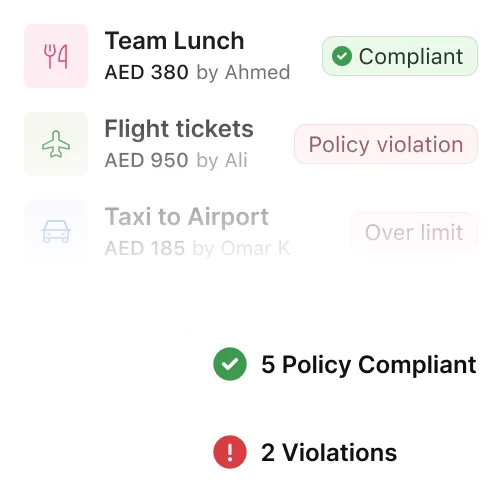
Set policies that work 24/7 across every location you operate in. Define spending rules once and automatically validate every claim through expense management automation.
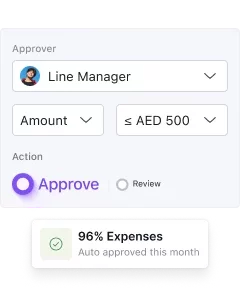
Apply role-based limits and category approvals to accelerate routine claims while ensuring higher-cost expenses receive proper review.
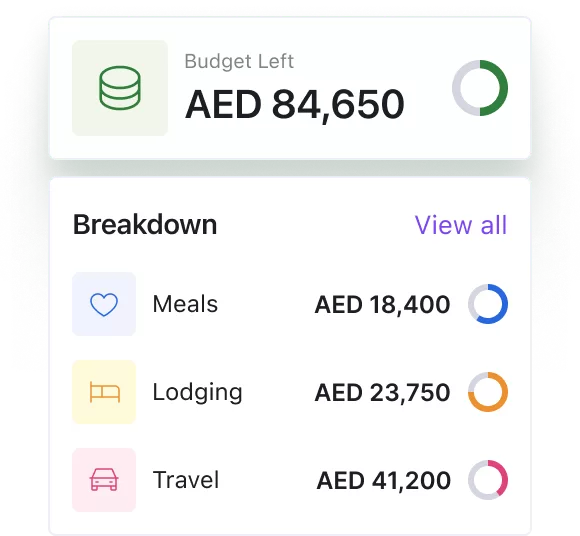
Control budgets across travel, meals, mileage, and other categories with predefined caps that keep spending predictable.
Every claim is checked against your policies before approval, helping expense management software prevent out-of-policy expenses and reduce manual compliance checks.
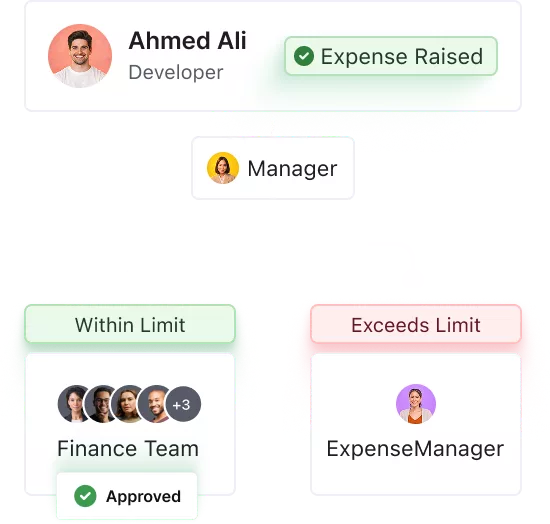
Set multi-level approval flows based on roles, departments, or expense types. Route claims to the right stakeholders without central bottlenecks.
From everyday claims to travel and field expenses, manage all employee
spending through a single expense management software platform with policies,
approvals, and reimbursements built in.
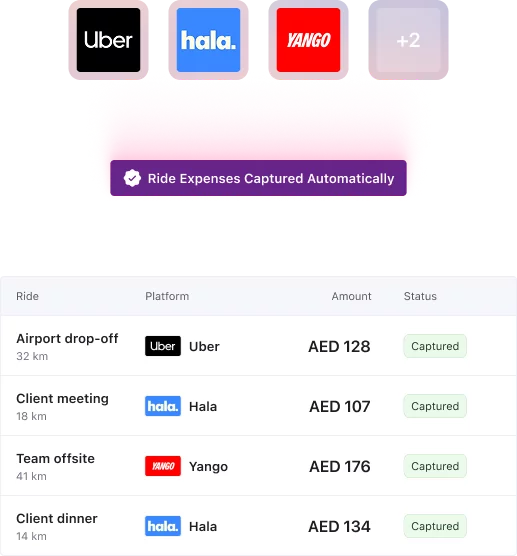
Stop piecing together solutions for different teams. Employees get frictionless submission, managers get instant control, and finance gets complete visibility with expense management software.
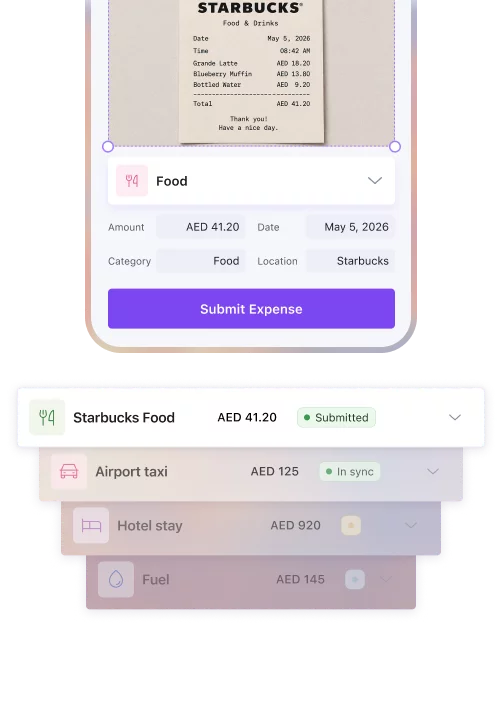
Employees can submit a wide range of expenses including travel, mileage, meals, office purchases, and reimbursements. Receipts can be uploaded or scanned through the mobile app, making it easy to capture expenses on the go.
Yes. You can define expense policies based on roles, departments, locations, or expense categories. The system automatically validates submissions against these rules and routes them through the appropriate approval workflows.
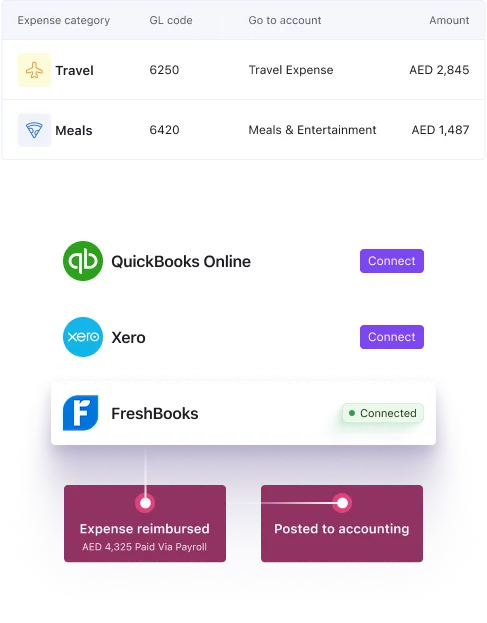
Once expenses are submitted and pass the approvals, they sync directly with payroll for reimbursement in the next pay cycle. If required, organizations can also trigger off-cycle payouts for faster reimbursements.
Yes. Employees can scan receipts, upload bills, and submit expense claims directly through the mobile app. OCR automatically captures expense details to reduce manual entry.
Yes. Employees can track mileage for work trips and automatically calculate reimbursements based on predefined rates and company policies, eliminating manual calculations.
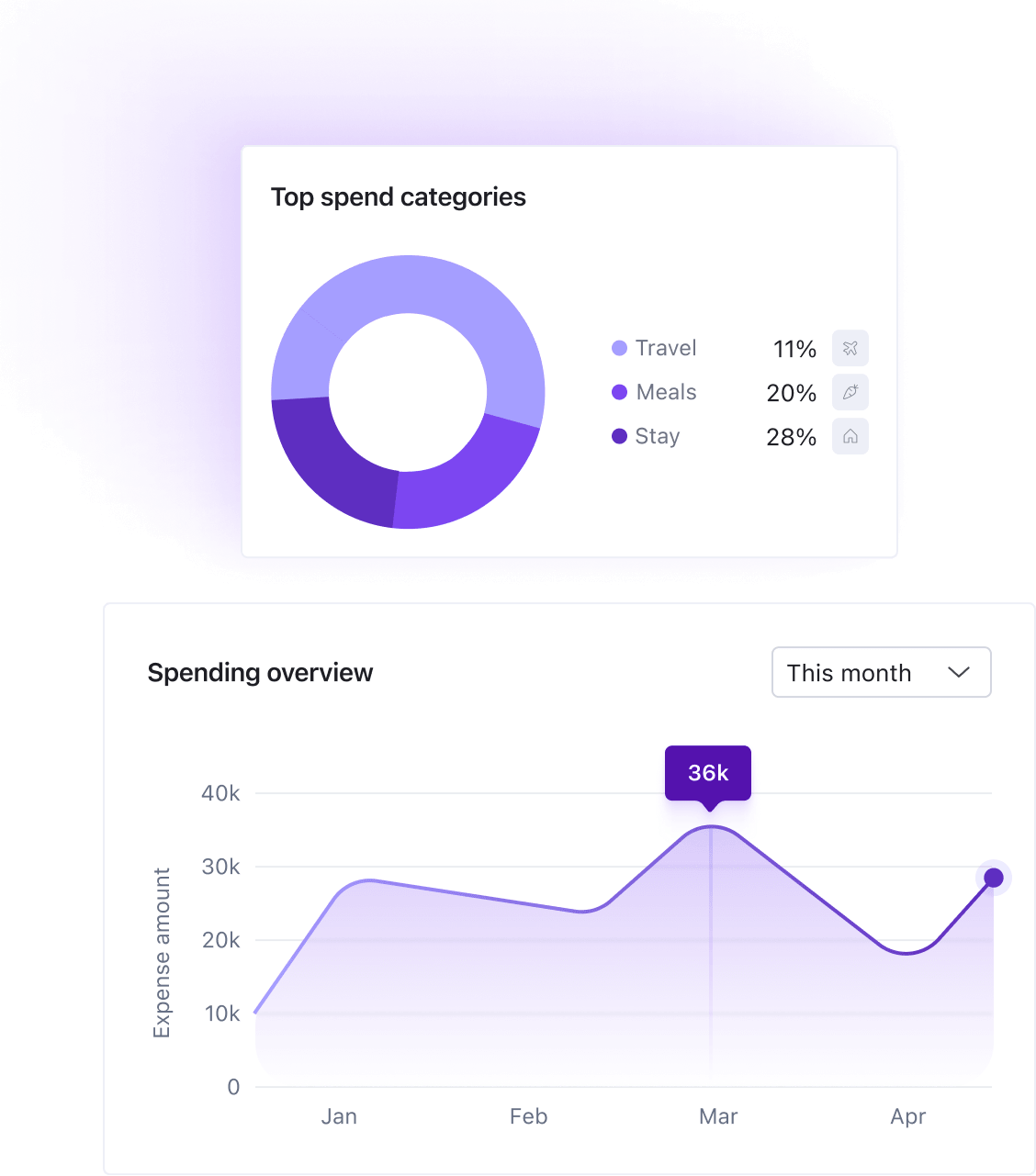
Finance teams get real-time visibility into expenses across teams, departments, and cost centers. Built-in reports help track spending trends, reimbursements, and policy compliance across the organization.
Expense management software helps businesses automate how employees submit, approve, and get reimbursed for work expenses. Instead of chasing receipts and manually checking claims, everything runs through a single platform with policies, approvals, and payroll built in.
Expense management automation removes the manual steps from the approval process. Claims are validated against your policies automatically, routed to the right approvers, and processed for reimbursement without anyone following up.
The best expense management software handles the full cycle: submission, approval, reimbursement, and reporting. Look for mobile accessibility, payroll integration, category-level spend controls, and built-in expense management automation so your team spends less time on admin.
Keka uses AI-powered mobile scanning to convert receipt photos into processed expenses instantly. Employees can go completely paperless, eliminating manual data entry and saving hours of administrative work across the team.
Yes. Keka lets you set customizable spending limits by employee band and enforces policies upfront before expenses are submitted. This prevents overages from happening rather than catching them after the fact.
Keka allows you to configure distinct spending rules by department, location, and leadership level. This makes it easy to manage diverse expense policies across a distributed organization without manual intervention.
Keka automatically converts attendance clock-ins into travel records, eliminating the need for manual mileage logs. Field employees get accurate reimbursements without extra tracking steps, and finance teams get clean data without the back-and-forth.
Run expense management without the operational friction