Login


Enable seamless employee sync between Keka HRMS and the MMT MyBiz travel platform. This integration automates user addition, updates, and deactivation, ensuring accurate employee data on both systems.
To enable the integration:
- Subscribe to Keka APIs and generate API credentials (Client ID, Secret, API Key, and Host URL).
- Ensure API keys have CoreHR privileges.
- Use these credentials to activate the Keka integration on the MMT MyBiz portal.
Steps on MyBiz Portal:
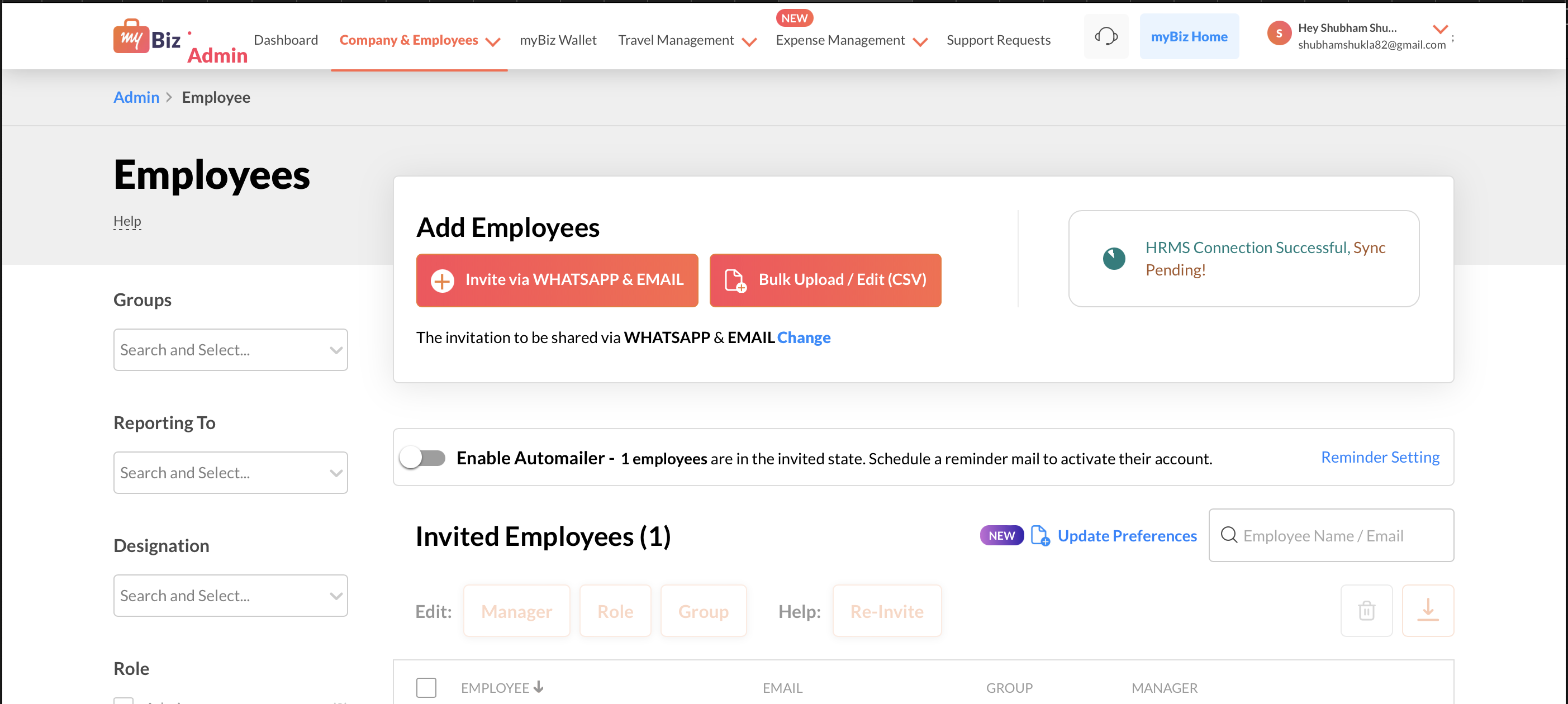
- Navigate to Admin Settings > Company and Employees > Employees.
- Select Add Employees > HRMS Integration > Keka and enter the API credentials.
- Simplify employee data management across HR and travel platforms with this powerful integration.

Automate employee sync between Keka and MyBiz
Sync your employees between Keka HRMS and MMT MyBiz using this integration. Connect your Keka HRMS by providing your Keka API credentials and employees sync will be automated.
Reviews(1)
Overall rating
View all Reviews
See plum on G2
KA
Great integration, makes ticket booking faster in my org