Login
Login

HR Dashboards : Examples and Best Practices



PRODUCTS
 Payroll Suite
 HR Suite
 Talent Suite
 Project Services Suite
Meet the platform tailored to your business
Core system of record
One platform for the entire employee journey

BY INDUSTRY
BY COMPANY SIZE
LEARN
EXPLORE KEKA
Stop drowning in spreadsheets. Real HR dashboards show leaders at a glance how hiring is flowing, where burnout is brewing, which teams are getting promotions, and what your workforce costs. Learn what metrics matter, how to present data so people actually act on it, and which dashboards different leaders actually use.
An HR dashboard is a business intelligence tool that empowers HR professionals to optimize their operations.
It usually includes a visual display of all key metrics or operations for ease of understanding.
This analytics-driven platform integrates various HR process to give information on:
As a result, HR dashboards serve as a powerful tool for getting a bird’s eye view of organizational progress. Through their visual tools like pie chart and bar graphs, they allow for a deeper investigations into the gaps of HR processes.
Monitor Your Workforce Analytics Here
Schedule Demo
HR dashboards offer significant advantages that your HR department should consider implementing promptly.
If they haven’t already.
Here are some of the top benefits:
Here are some curated HR dashboards for you.
Discover how people analytics teams and HR professionals are using trusted metrics to inform leadership decisions and address key human capital challenges.
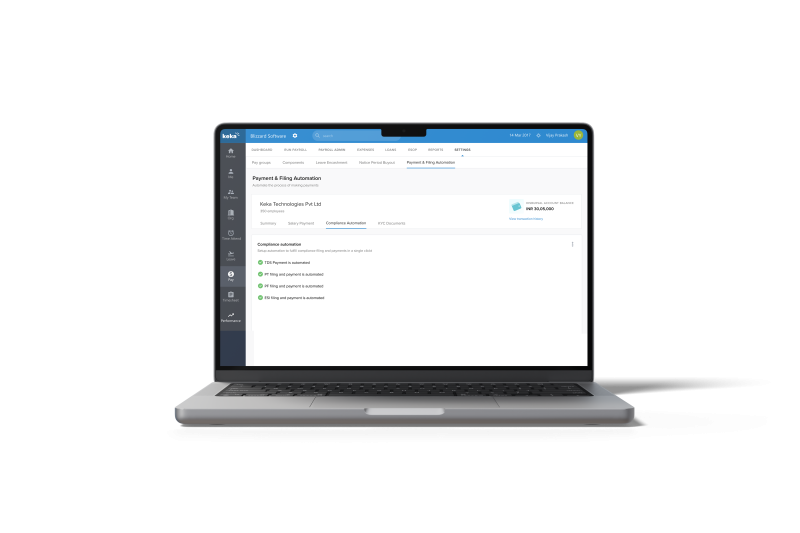
Automate your statutory filings and compliance automation- like clockwork. Streamline TDS, PT, PF and ESI filings.
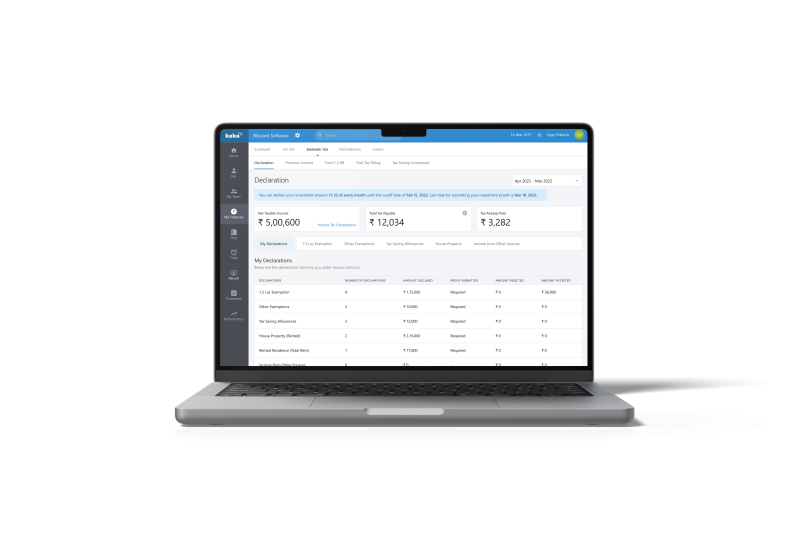
Let employees view their tax-saving investments and payable tax. Ensure accurate tax calculations throughout the financial year.
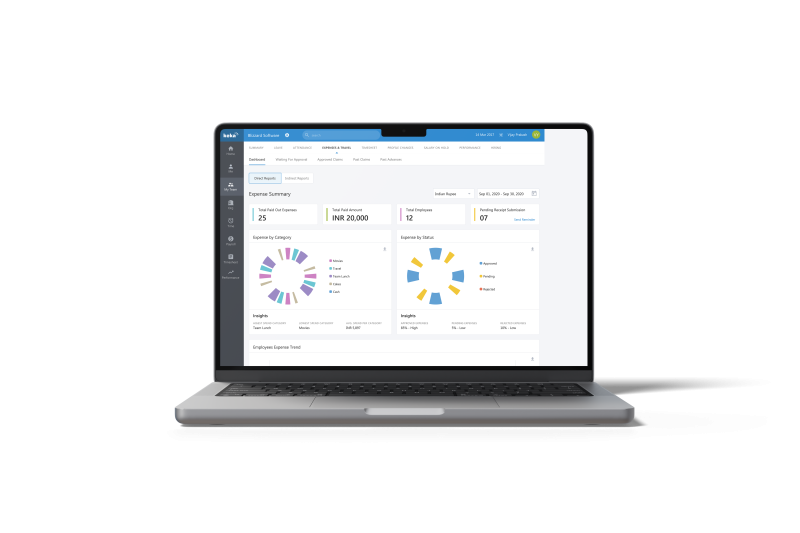
View total expenses by category and employee. Quickly identify spending patterns and make informed budgeting decisions.
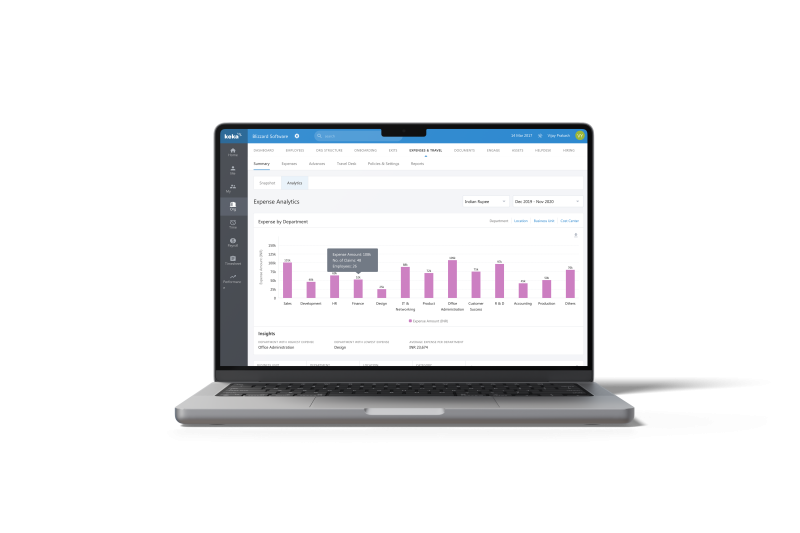
Analyze expense trends over time and across departments. Gain insights to optimize spending and improve expense policies.
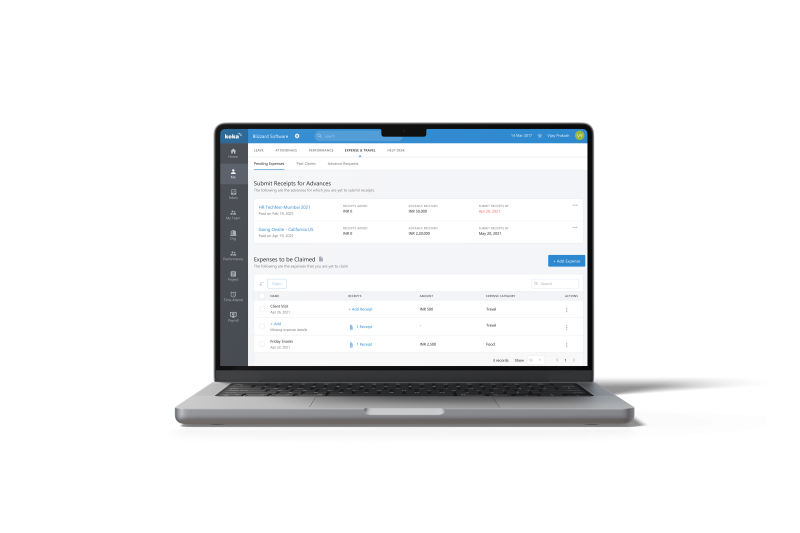
Track submitted expense reports and their approval status. Stay informed about reimbursement timelines and manage personal finances effectively.
Track departmental budget increases. Adjust allocations based on real-time data to optimize resource distribution.
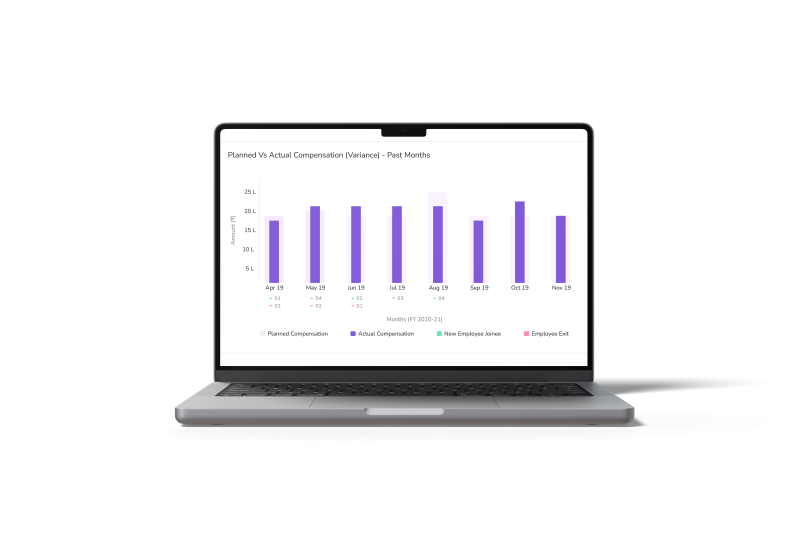
Monitor planned vs. actual compensation expenses. Identify discrepancies to refine budgeting and forecasting accuracy.
Analyze pay trends across departments, locations, and job titles. Make data-driven decisions to ensure competitive and equitable compensation.
Analyze company-wide loan trends and track total loan amounts disbursed. Identify departments with high loan requests to inform financial planning and policies.
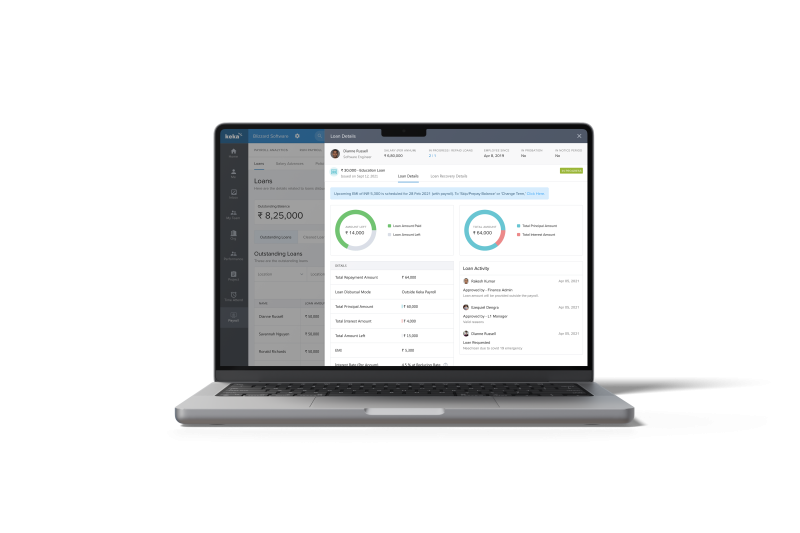
Monitor pending employee loan requests. Check real-time update of the loan recovery details and approve or reject them efficiently.
Let employees track their loan status, repayment schedule, and outstanding balance at a glance.
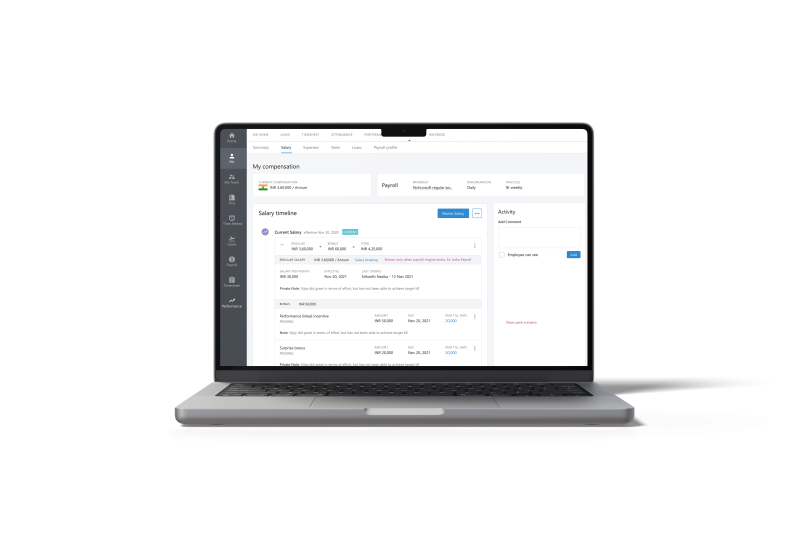
Let employees review their salary changes over time.
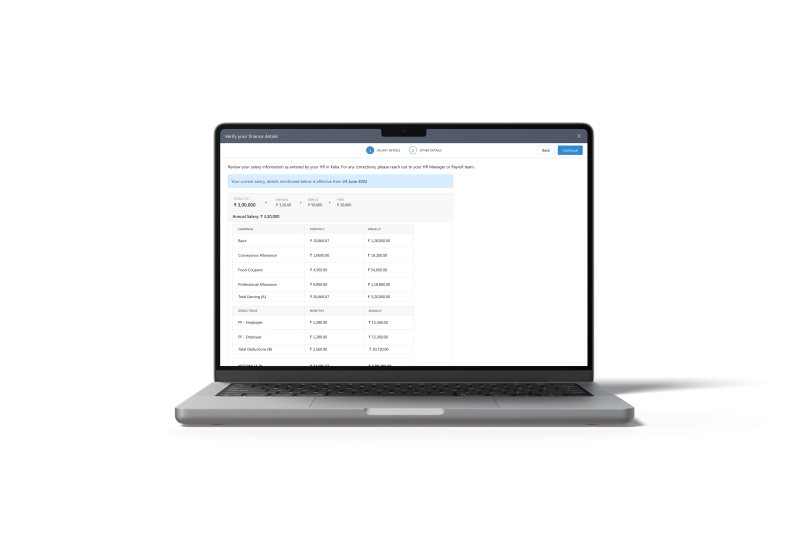
Let employees access comprehensive breakdown of salary components. Understand individual earnings structure and deductions.
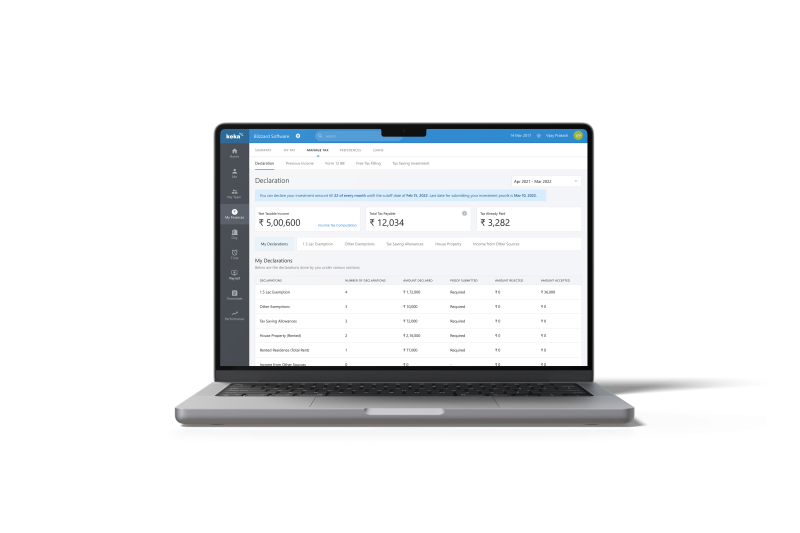
Let employees submit and manage income tax declarations and add related proofs efficiently.

Let employees generate and access monthly pay slips instantly to review their salary breakdown.
Let employees download annual tax statements for filing return with readily available official documentation.
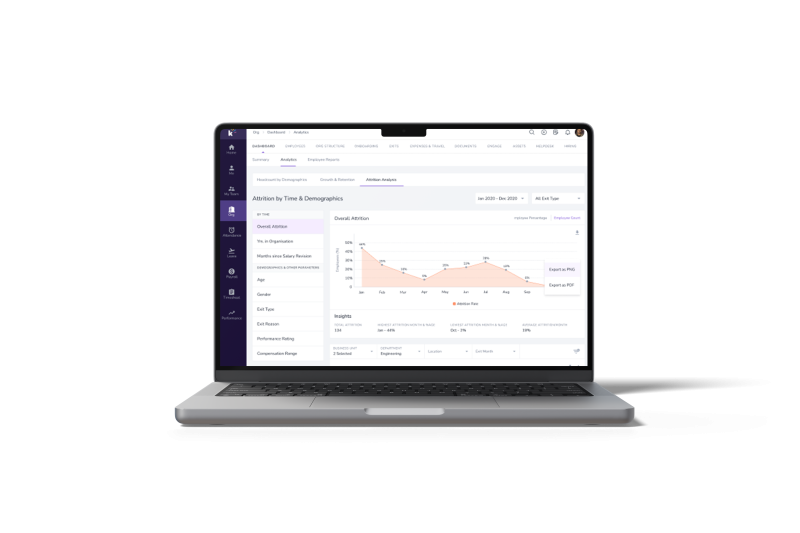
Monitor attrition rate and employee turnover trends to identify key factors driving it. Use insights to implement targeted retention strategies.
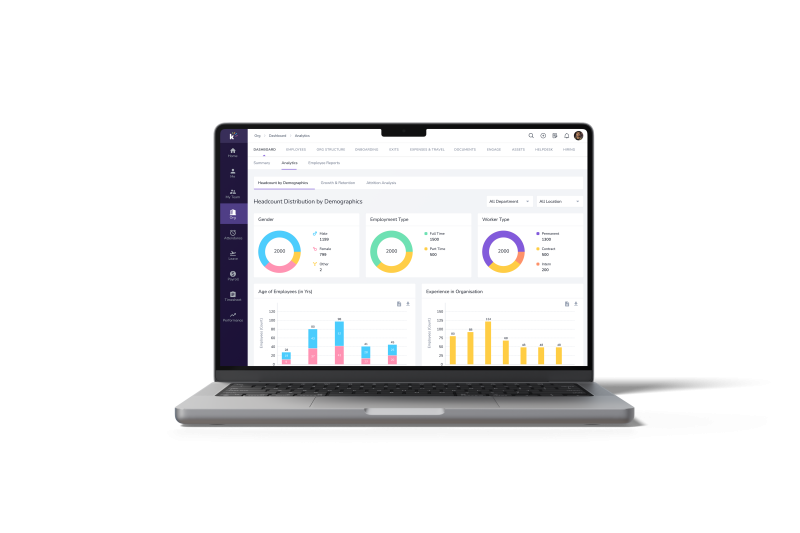
View workforce composition across various demographic categories including gender, age, worker type and experience.
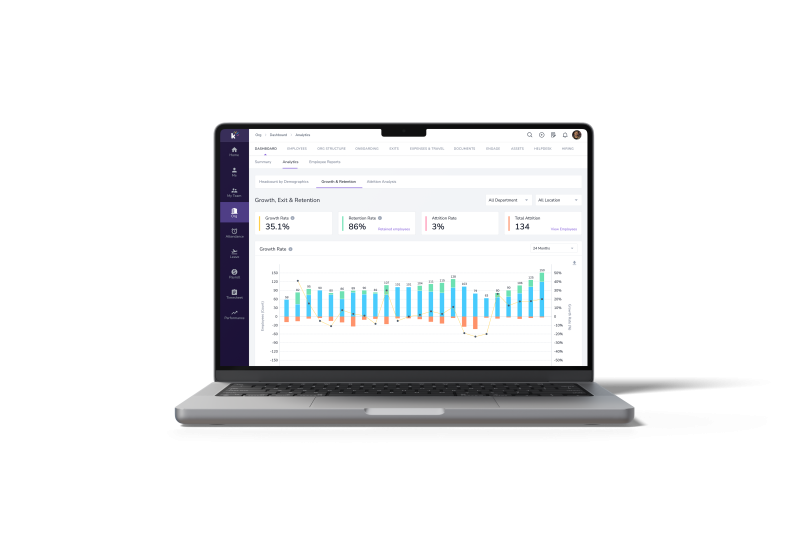
Track hiring, departure, and retention metrics over time. Evaluate organizational health and adjust talent management strategies to optimize workforce stability.
Team Calendar View: View your team’s schedule at a glance. Plan collaborations and meetings efficiently.
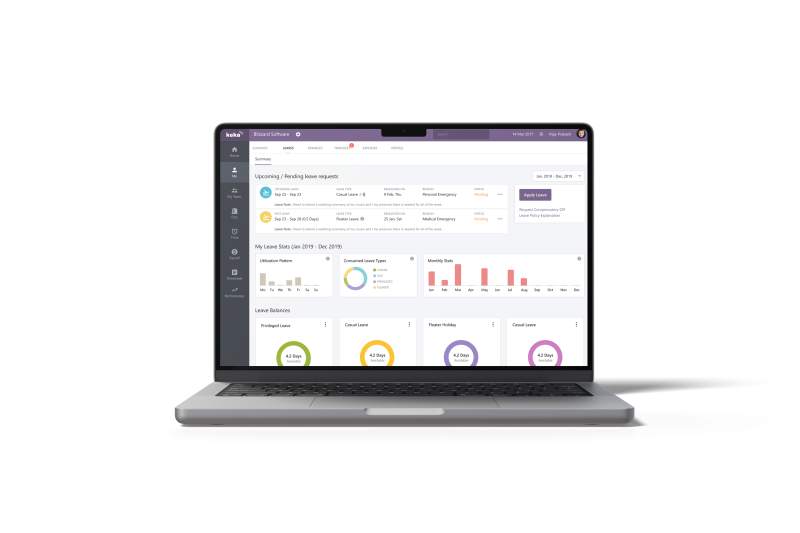
Let employees check their leave balances and history at a glance. Let them apply and track leave status.
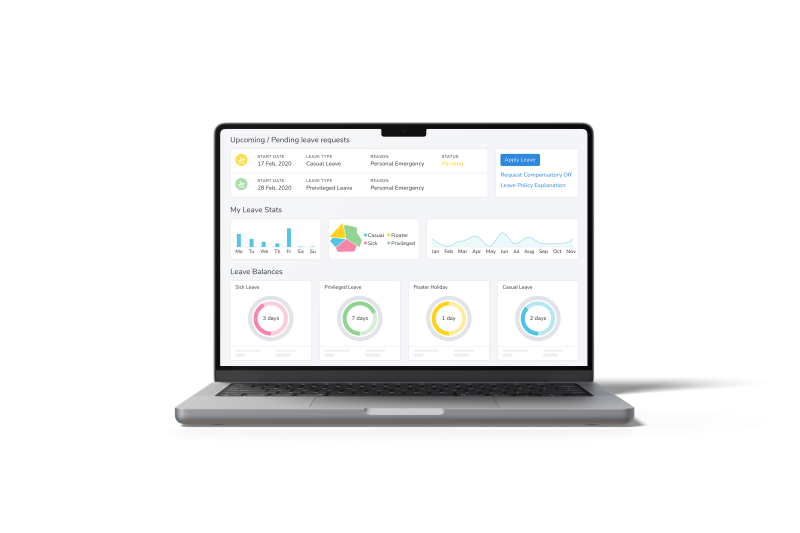
Let employees check their current leave balance for different leave types to plan their time off effectively.
Organizational View of Employee Login Summary
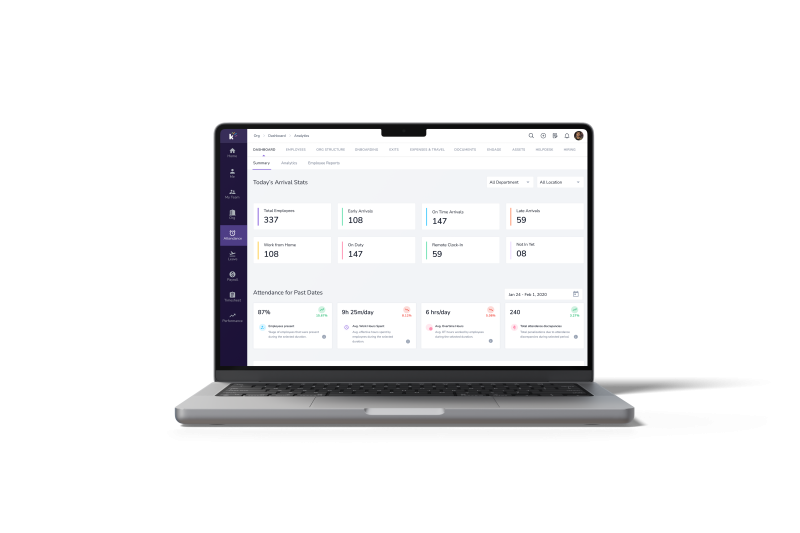
Track organization-wide employee login patterns and trends. Identify peak usage times and potential security concerns.
Employee Lifecycle Dashboard
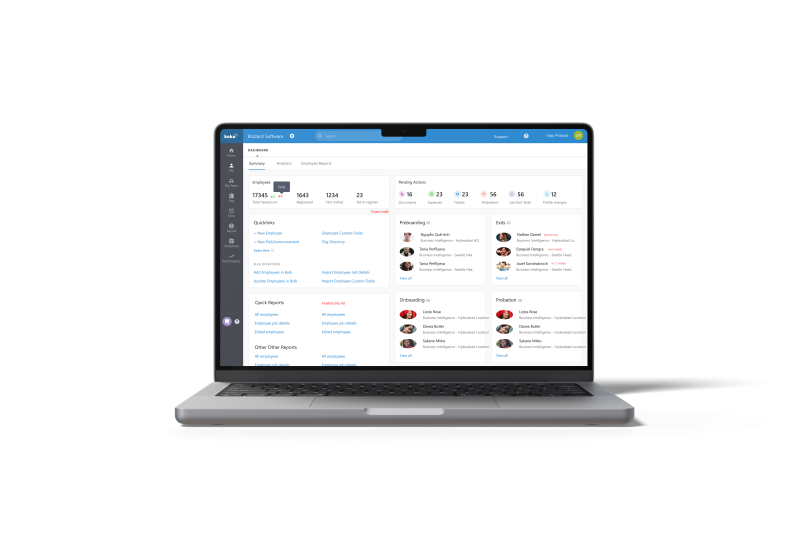
Get a snapshot of employee lifecycle events like pre-boarding, exits, probation and onboarding. Take timely actions on critical milestones.
Organizational Leave Request Tracking
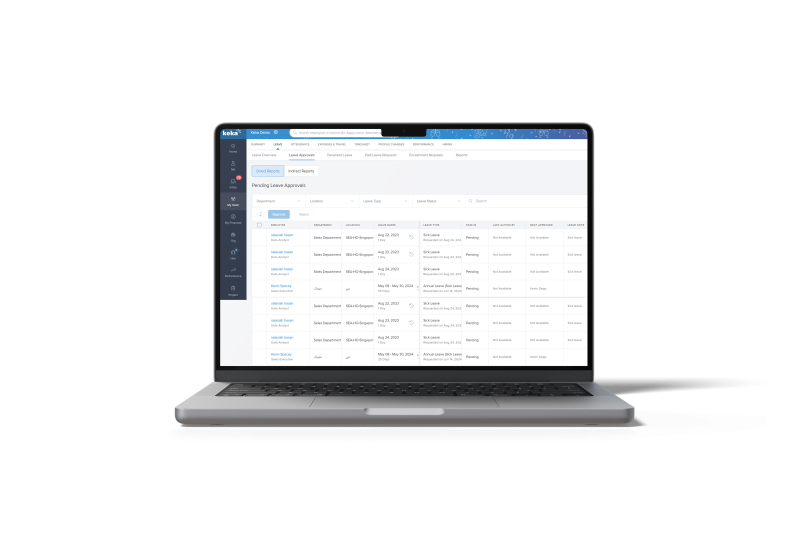
Manage and approve employee leave requests efficiently. Analyze leave patterns to optimize workforce planning.
Live Tracking Attendance
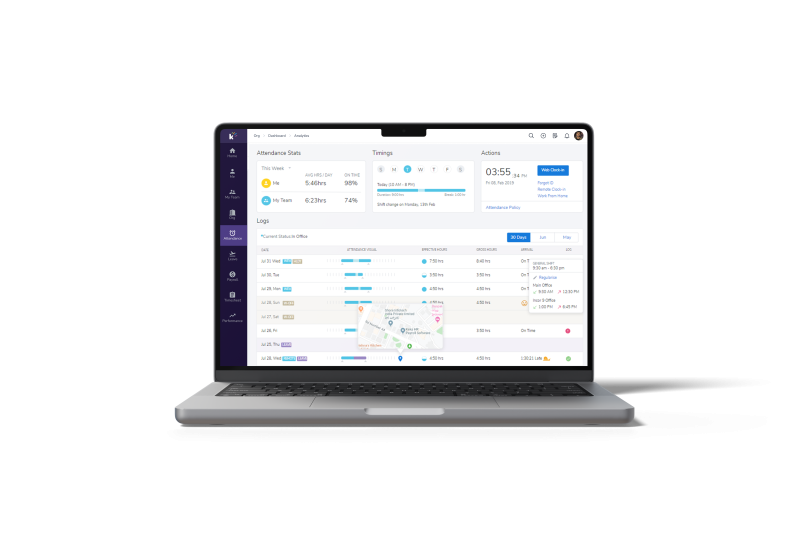
Get a real-time snapshot of who’s present, absent, or on leave. Make informed decisions about resource allocation and workload distribution.
Shift board for dynamic shift scheduling
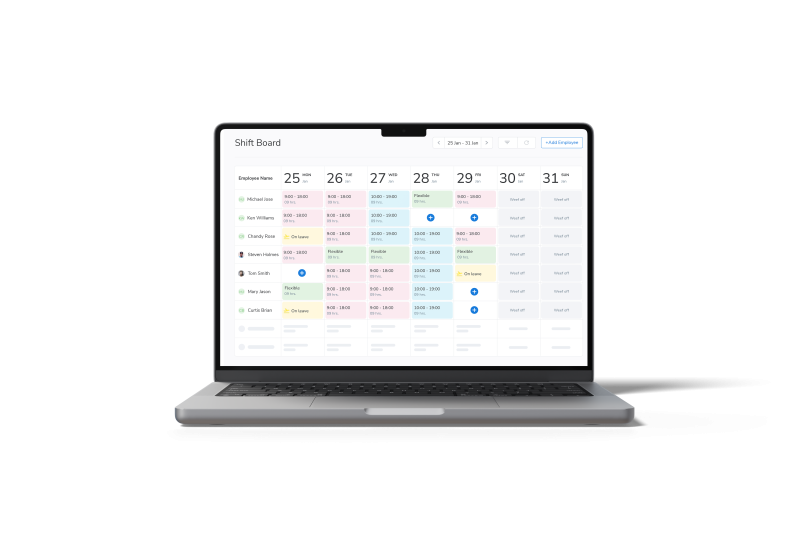
Create and modify shift schedules with drag-and-drop simplicity. Ensure optimal coverage and respond quickly to changing staffing needs.
Leaderboard
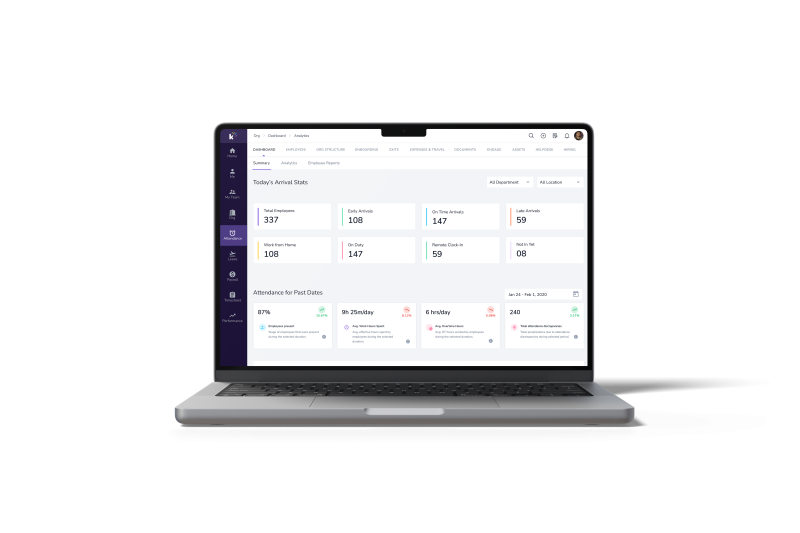
Identify top performers in attendance and work hours. Recognize punctuality and address excessive overtime trends.
Candidate Pipeline
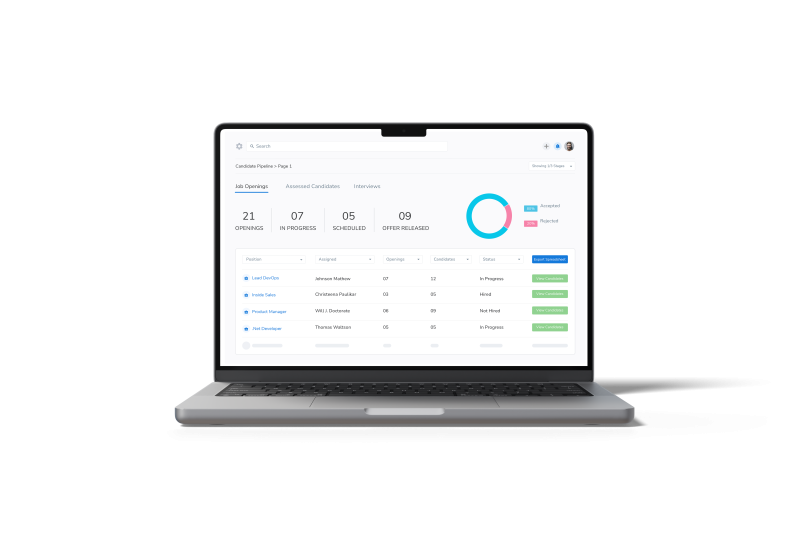
Track progress through all hiring stages. Identify bottlenecks and optimize recruitment funnel efficiency.
Interviews Dashboard
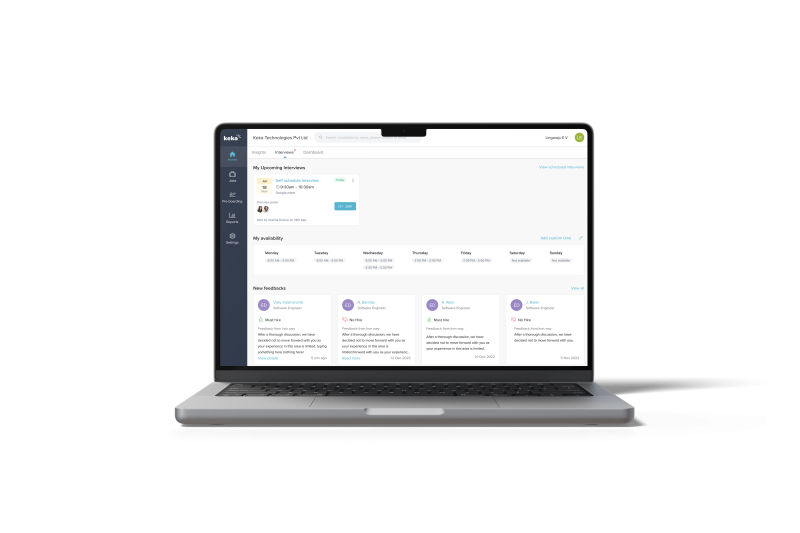
Monitor upcoming and completed interviews. Assess interviewer workload and candidate evaluation timelines.
Employee Interview Scorecard
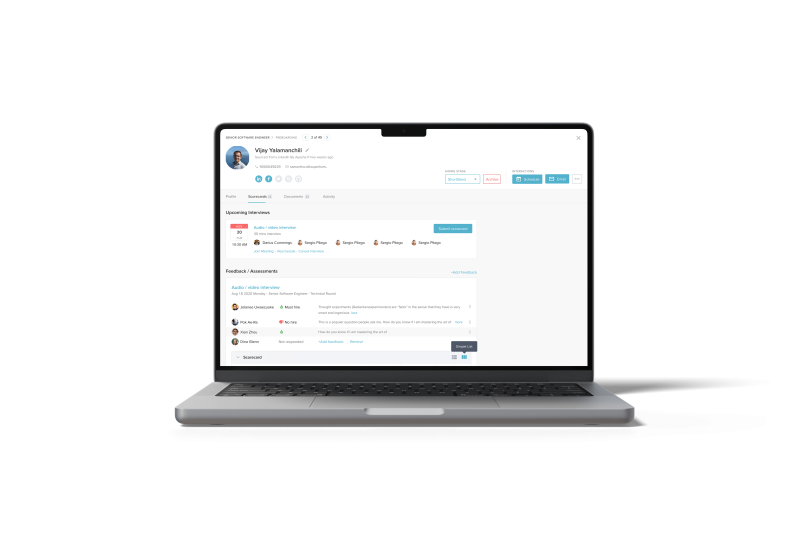
Evaluate candidates consistently across key competencies through a scorecard. Make data-driven hiring decisions based on standardized assessments.
Hiring Insights
Track average time from offer to joining. Identify roadblocks in the onboarding process to streamline hiring.
Active Job Information
Analyze salary trends, budget allocation, and hiring funnel metrics. Track recruiter performance and candidate sources to optimize your hiring process.
Employee Joining Day
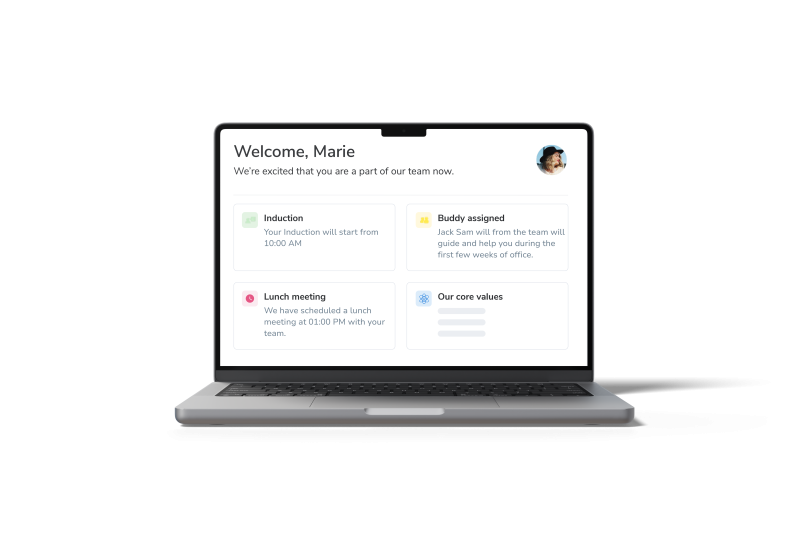
Track new hire arrivals and initial onboarding tasks. Ensure a smooth first-day experience by monitoring orientation schedules and welcome activities.
Employee 90 days Onboarding
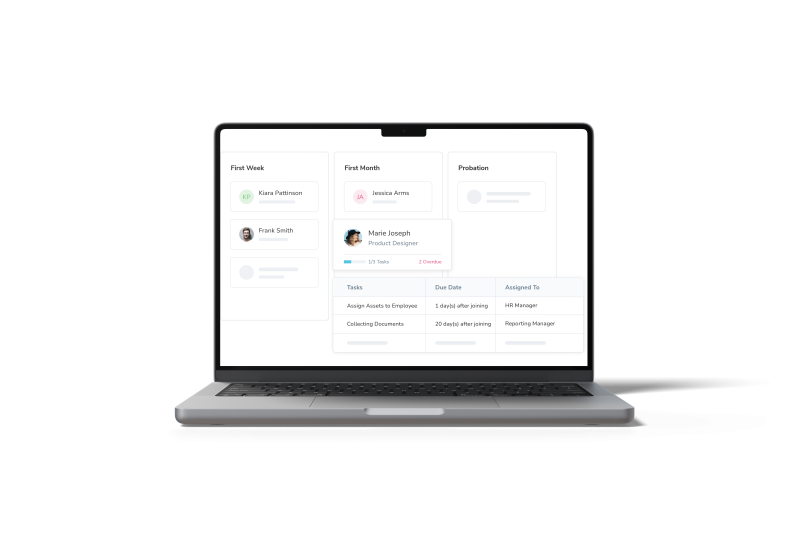
Monitor new employee progress through their first 90 days. Identify completion rates of training modules and integration milestones to optimize the onboarding process.
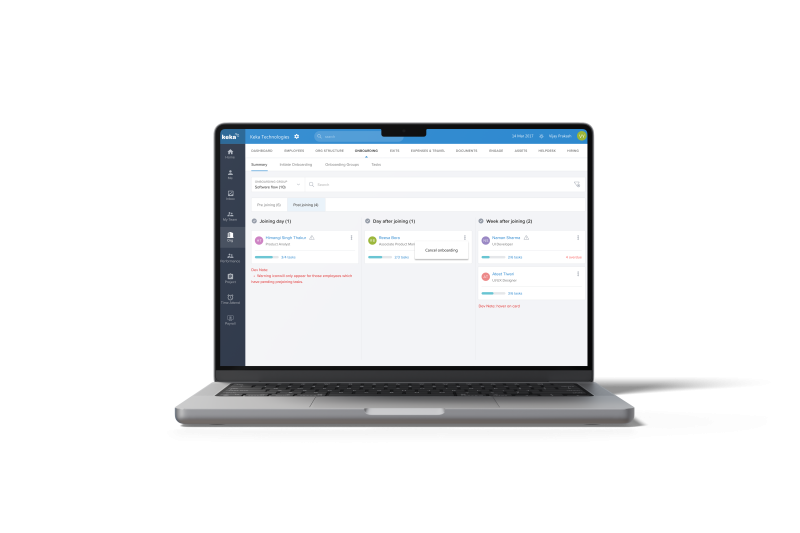
Track and manage new hire paperwork efficiently. Ensure compliance through close monitoring.
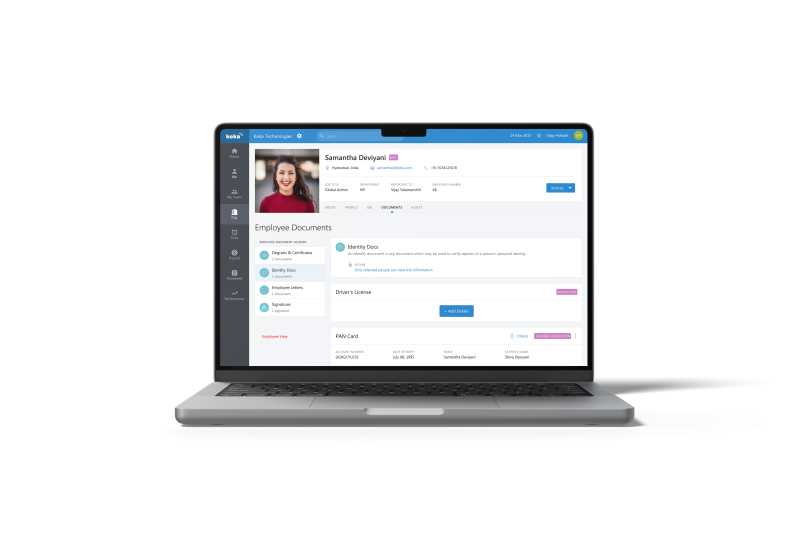
Let employees access and upload personal documents securely. Stay informed about document expiration dates and renewal requirements.
1:1 Meeting Summary
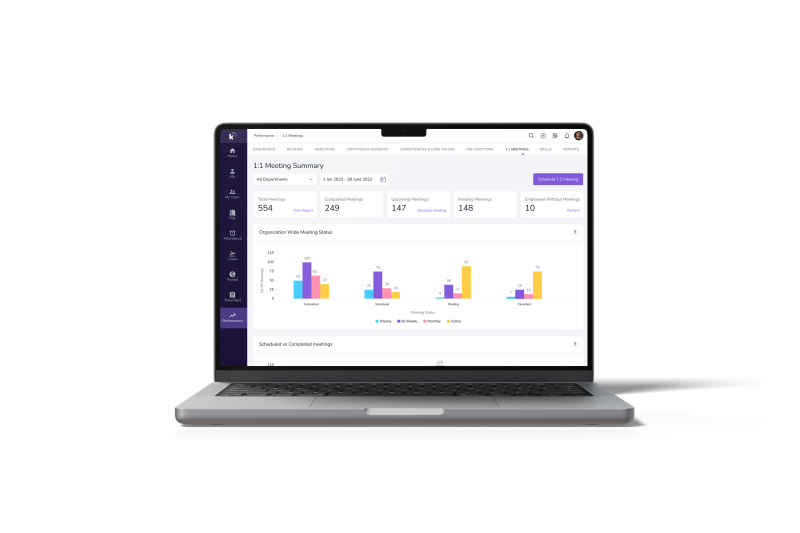
Monitor key discussion points and action items from individual meetings. Ensure follow-through on commitments and track progress over time.
360 Review

Gather comprehensive feedback from multiple stakeholders including employee peers, manager and self-review.
Review Goals
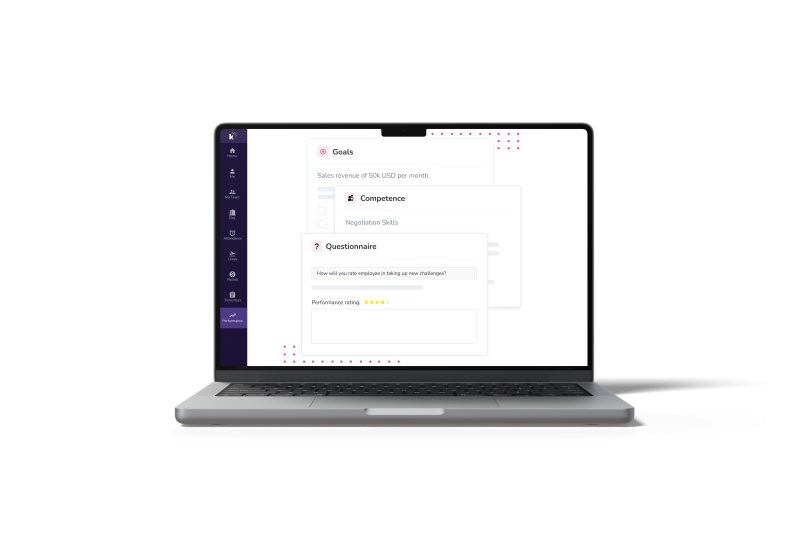
Set, track, and evaluate employee performance objectives. Align individual goals with organizational priorities for targeted growth.
360-degree review analytics
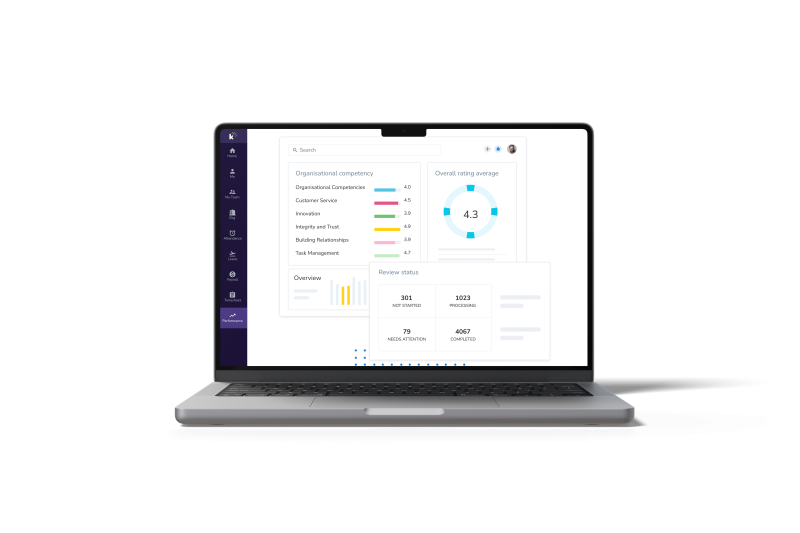
Analyze multi-source feedback data to identify trends. Make data-driven decisions for employee development and organizational improvement.
Employee Rating Scales
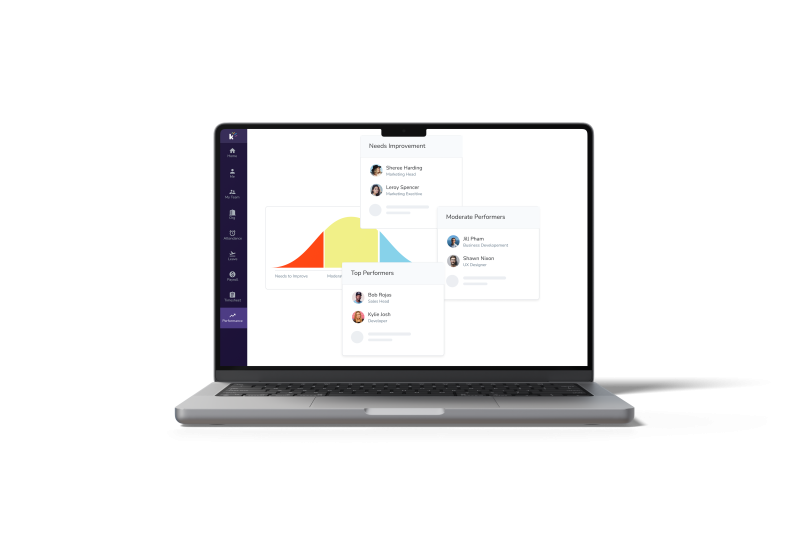
Categorize employees based on performance metrics. Implement targeted strategies for each group to optimize workforce potential.
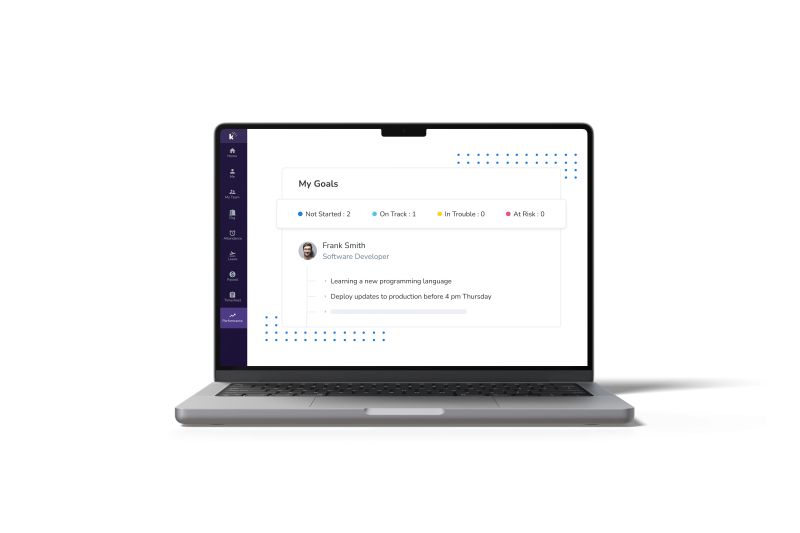
Set and track personalized employee goals. Monitor progress and alignment with company objectives.
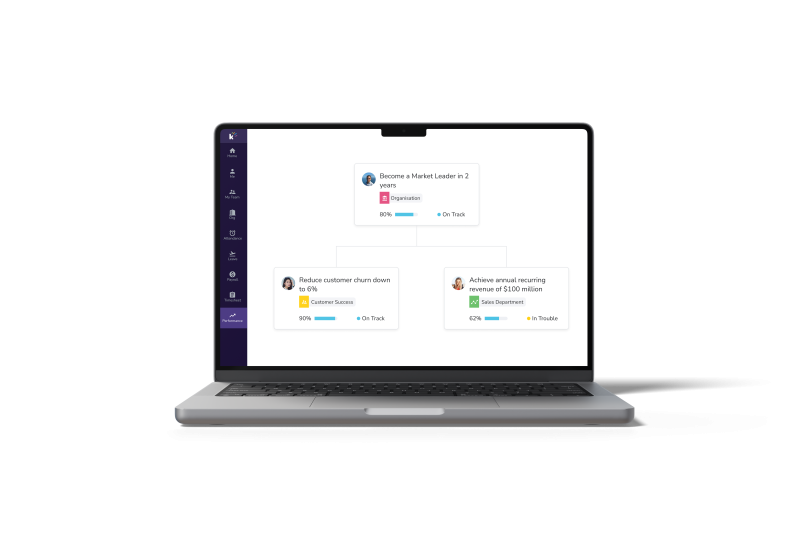
Align team and individual goals with organizational objectives. Visualize goal hierarchy and interdependencies across the company.
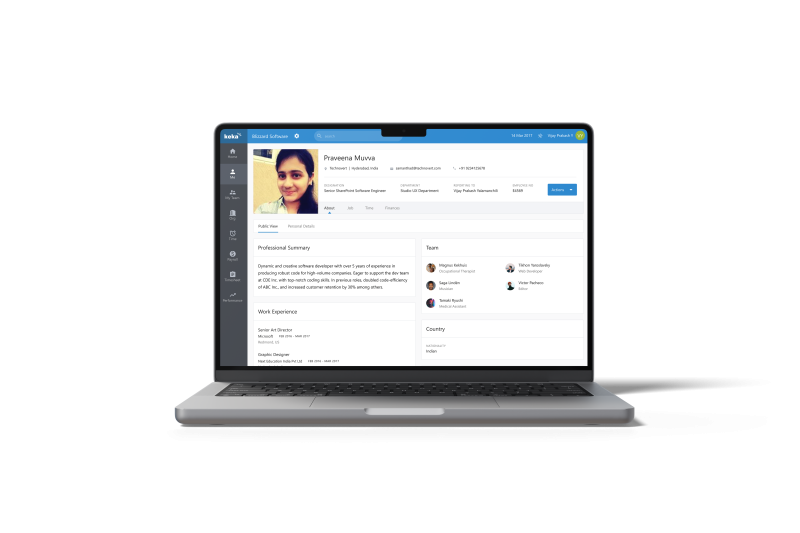
Let employees engage through personal social walls. Let them showcase your professional journey, and personal interests and praise/interact with other employees.

Let your candidates access all required information with one dashboard including hiring and offer release updates, onboarding tasks etc.
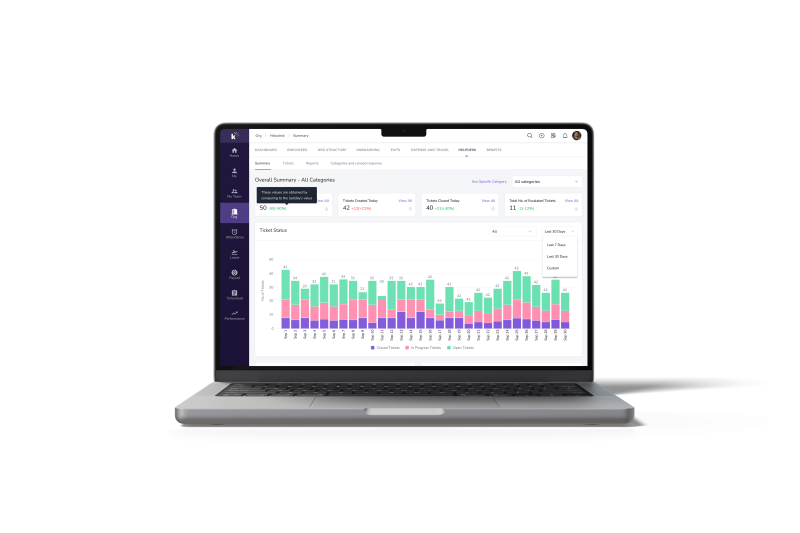
Monitor the TAT of managing employee support requests. Check ticket status, open tickets, SLA and top HR ticket resolvers.
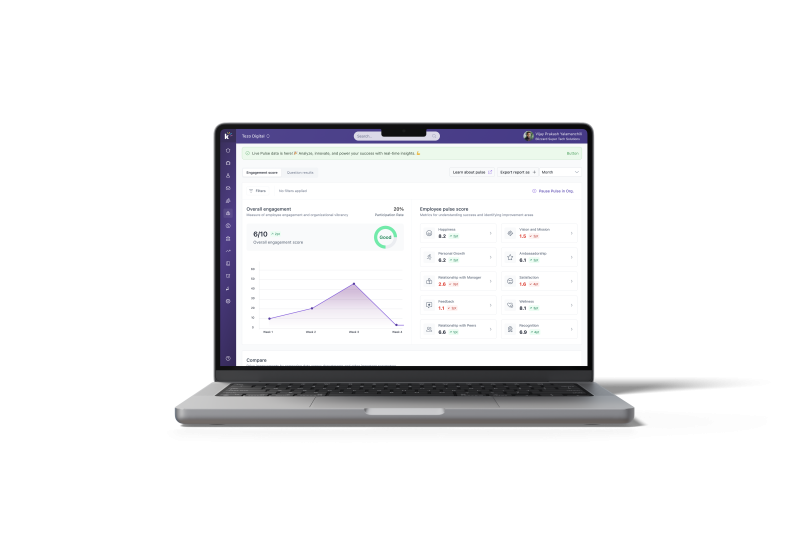
Track overall workforce satisfaction. Identify areas for improvement to boost morale and productivity.
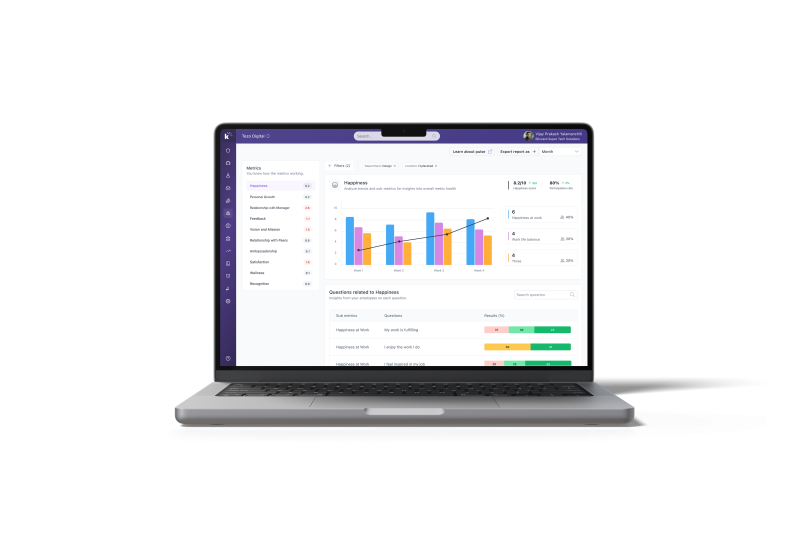
Analyze key engagement metrics across the organization. Pinpoint areas for improvement to boost employee satisfaction.
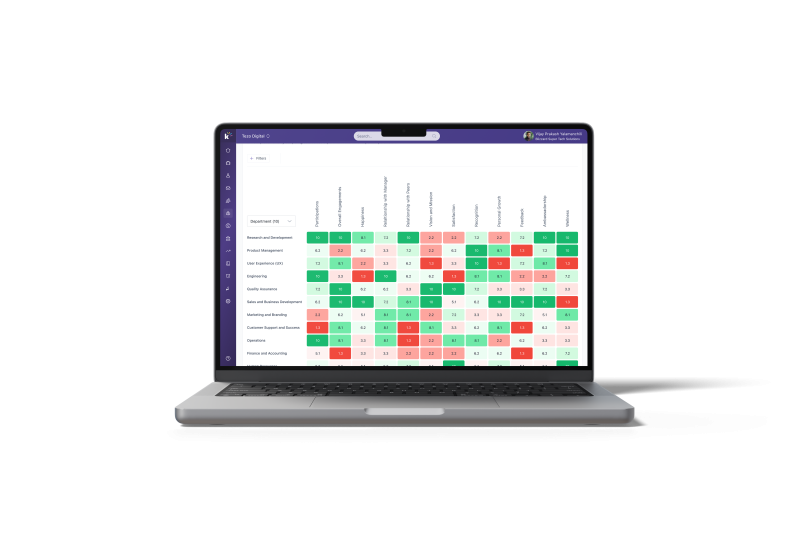
Compare engagement levels across different departments. Target interventions where they’re needed most.
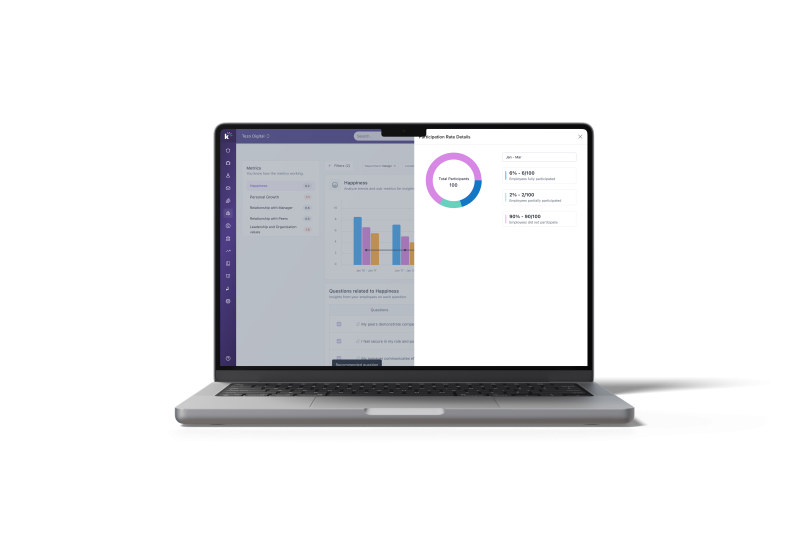
Monitor pulse survey completion rates. Encourage participation to ensure comprehensive feedback.

Generate in-depth insights from survey data. Develop data-driven strategies to enhance workplace culture.
Unlock Real-Time Employee Insights
HR dashboards and HR reports are crucial for effective HR management.
Both enable informed decision-making by providing insights into the organization.
Afterall, making strategic HR business decisions is not possible with deep insight into the organization.
Let’s explore the key distinctions between HR dashboards and HR reports.
|
HR Dashboards |
HR Reports |
|
|
Effective use of HR dashboards is critical for any organization seeking to track its performance and pinpoint areas for improvement.
Here are some best practices for HR Dashboard adoption:
Avoid overwhelming your team by attempting to create an exhaustive set of reports.
Instead, adopt a strategy that starts with a broad perspective and gradually narrows down to extract meaningful insights from the dashboard.
Avoid the trap of creating a single, all-encompassing dashboard.
Attempting to satisfy every stakeholder’s requirements with one overloaded interface often leads to reporting on irrelevant data.
Go for Purpose-specific dashboards provide each user group with relevant information.
Your dashboard must be updated in real-time for enabling, data-driven decisions. Keeping it current is a data problem before it is a dashboard problem, since the numbers usually sit across payroll, attendance and recruiting systems, reporting tools like Coupler.io handle the scheduled syncing so the view refreshes without anyone exporting anything.
Keka HRMS offers comprehensive HR dashboards with AI powered features that provide real-time visibility into key workforce metrics.
Transform Your HR Data Into Your Strategic Advantage
Power Up
When choosing an HR dashboard, several key points should be considered to ensure it meets your organization’s needs effectively:
Subscribe to keep up with the latest strategic finance content.
Request a demo